Logitech Lift: hand fit, buttons, and connection options
Assess the U.S. Lift by handed shape, button reach, Bluetooth or Bolt connection, and software access.
As an Amazon Associate I earn from qualifying purchases. How our shopping links work.
The short answer
Shortlist Lift for its small-to-medium sizing and handed upright shape, then confirm the exact package and the features your computer permits.
This is a researched analysis based on published specifications and care guidance. We have not physically tested this product.
Start with the hand you actually use
This is a researched assessment of Logitech's U.S. Lift, based on manufacturer product and support documents. It includes no hands-on comfort test or medical assessment. The reference version is the standard right-handed Graphite Lift, part number 910-006466, rather than Lift for Mac or a business bundle.
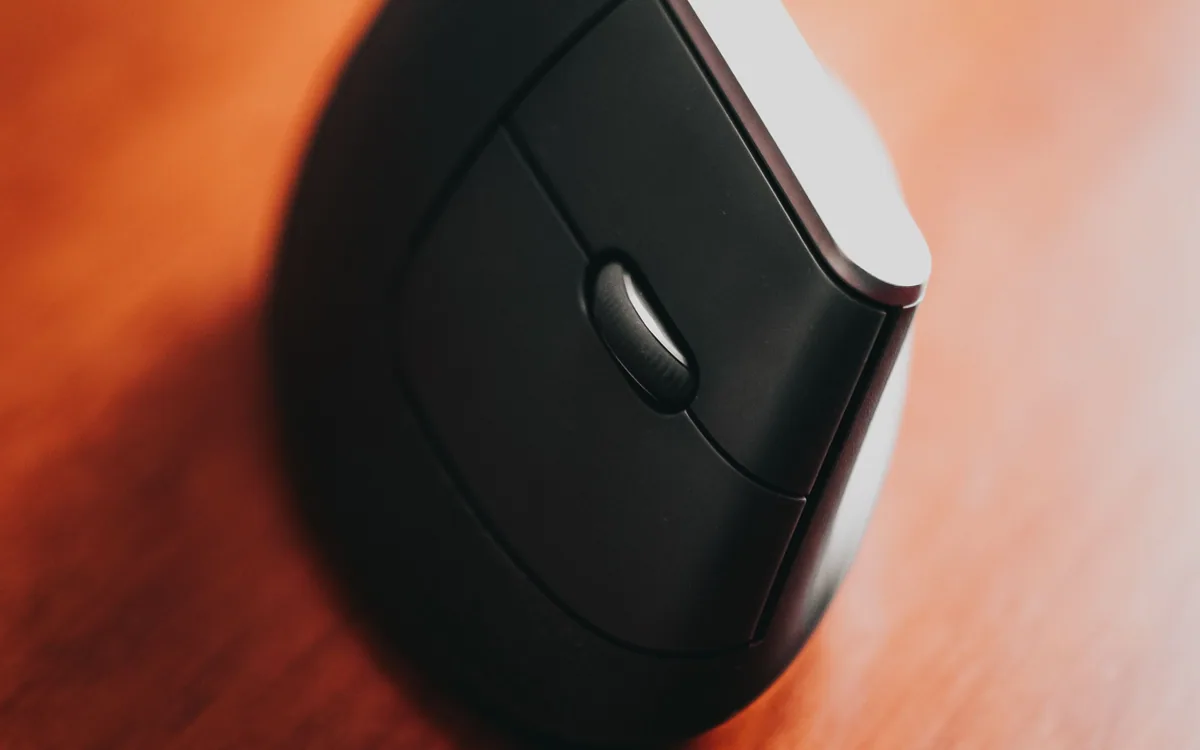
Logitech positions Lift for small to medium hands and sells a separate Lift Left version. That handed shape is the first choice to settle. Someone who uses a mouse with the left hand should check the exact variant, including the product photographs and selected option, before considering color or connection features.
The upright body has a documented 57-degree angle. That describes its geometry. It cannot tell you whether your thumb reaches the buttons comfortably or whether the shape will suit your particular grip.
Use the size guide to narrow the choice
Logitech's hand-size guide is a starting point for comparing the mouse with your hand. Follow the maker's measurement method rather than estimating from glove size. Then consider how you currently move a mouse: whether your palm rests on it, how often you lift and reposition it, and which fingers do the work.
Support specifications give body measurements of approximately 4.2 by 2.7 by 2.8 inches. Those dimensions help assess desk space and the difference from a low, flat mouse. They do not replace holding the product. A person who repeatedly reaches past a side button may need a different shape even if the hand-size category appears correct.
If you can handle a display sample, check a few ordinary actions: selecting a short line of text, dragging a file, scrolling a long page, and reaching the thumb buttons. Keep those observations separate from any claim that the mouse prevents or treats pain.
Map the controls to your work
Lift has a SmartWheel, back and forward side controls, and a cursor-speed switch. Logitech describes slow, stepped scrolling and faster scrolling through longer documents. Horizontal scrolling uses a side-button and wheel combination; it is a different action from operating a dedicated thumb wheel.
For a hypothetical editing task, the wheel moves through a long document, the back button returns through browser pages, and the speed switch changes cursor movement for finer selection. Start with the defaults before assigning extra commands. A custom shortcut is useful only if you can remember and reach it.
Scroll to compare
| Task to try | What it reveals |
|---|---|
| Scroll one paragraph at a time | Whether the wheel's slow movement suits reading |
| Move across a wide spreadsheet | Whether the horizontal-scroll gesture feels practical |
| Drag a small file into a folder | Whether grip and cursor speed work together |
| Return to the previous browser page | Whether the side button is within easy thumb reach |
| Switch to a second computer | Whether reaching the underside button fits the routine |
These are suggested checks, not results from our testing. They focus on the controls you would use every day instead of a general promise of better productivity.
Choose Bluetooth or the supplied receiver
The standard Lift supports Bluetooth Low Energy and a Logi Bolt USB receiver. Logitech's setup guide identifies a USB-A connection for that receiver and storage beneath the battery door. Check your computer's ports and Bluetooth support before selecting the path.
Lift can pair with up to three devices through Easy-Switch. Its device-switching button is underneath the mouse, so changing computers involves lifting or turning it enough to reach that control. This is a practical difference if you switch repeatedly during a call.
Keep the exact package in view when ordering. A Lift for Mac listing or another bundle can differ from the standard consumer package. A photograph of a receiver elsewhere on a store page does not establish the contents of your selected option.
Check software access separately from pointing
Basic connection and advanced button customization have different requirements. Logitech uses Logi Options+ for supported customization features, with software support focused on Windows and macOS. Do not assume that every feature works on every operating system listed for basic mouse connection.
A managed work computer may block installation or require an administrator. Confirm that before buying for a particular app shortcut or multi-computer software feature. If installation is unavailable, evaluate Lift using the default controls you can actually access.
Look up the current Options+ requirements for your operating system version. Release-era compatibility tables remain useful for identifying the hardware, but they do not establish the requirements of today's software download. A device moving the pointer successfully proves only that the basic connection works.
The standard Lift uses one replaceable AA battery. Logitech's advertised battery duration is conditional on usage and computing conditions; it is not a maintenance interval you can count on. Keep the receiver stored with the mouse when you choose Bluetooth so it remains available later.
Lift belongs on a shortlist when you want its handed upright shape, match its small-to-medium sizing guidance, and can use the connection and controls your setup permits. A larger hand or a preference for a low mouse body calls for a different fit comparison.
Before ordering, record the handed version, part number, expected receiver contents, and software requirement. For a small work area, arrange the desk drawer around the items you reach for, then leave enough clear surface for the mouse movements you normally make.
We may earn a commission from qualifying purchases.
Find the standard U.S. Logitech Lift on AmazonOpens Amazon.com. Check the exact model, seller, and current terms before ordering.
A useful next read.
Keep the whole purchase in view.
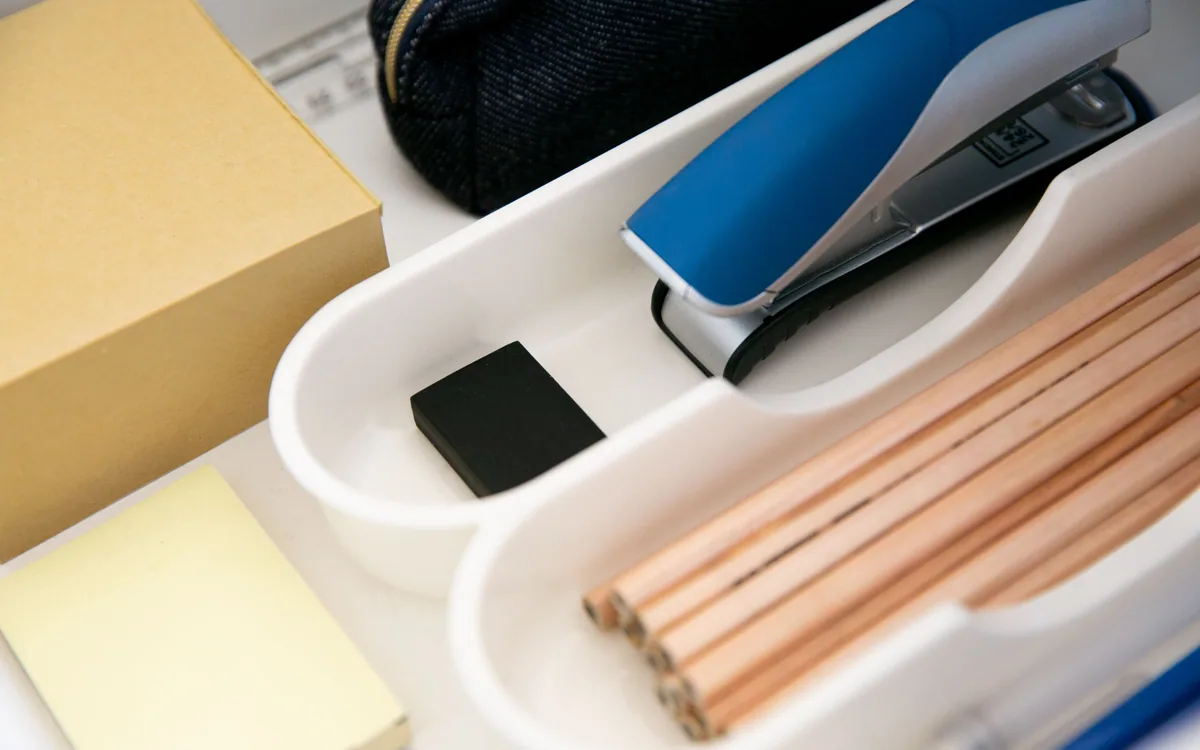
Arrange an office drawer around the objects you reach for
Use full-size paper shapes to place pens, tools, and small accessories in a drawer you can close and use.
Read the guide
Choose a USB microphone around monitoring and mute controls
Separate recording gain, listening volume, monitor blend, and mute before choosing a microphone for calls or narration.
Read the guide
Choose a webcam for the frame you need to show
Compare field of view, focus, mounting, and shutter controls around the picture you need during a call.
Read the guide
Find the update policy before buying a connected device
Check when security support starts, what its minimum date covers, and which functions depend on online services.
Read the guide